
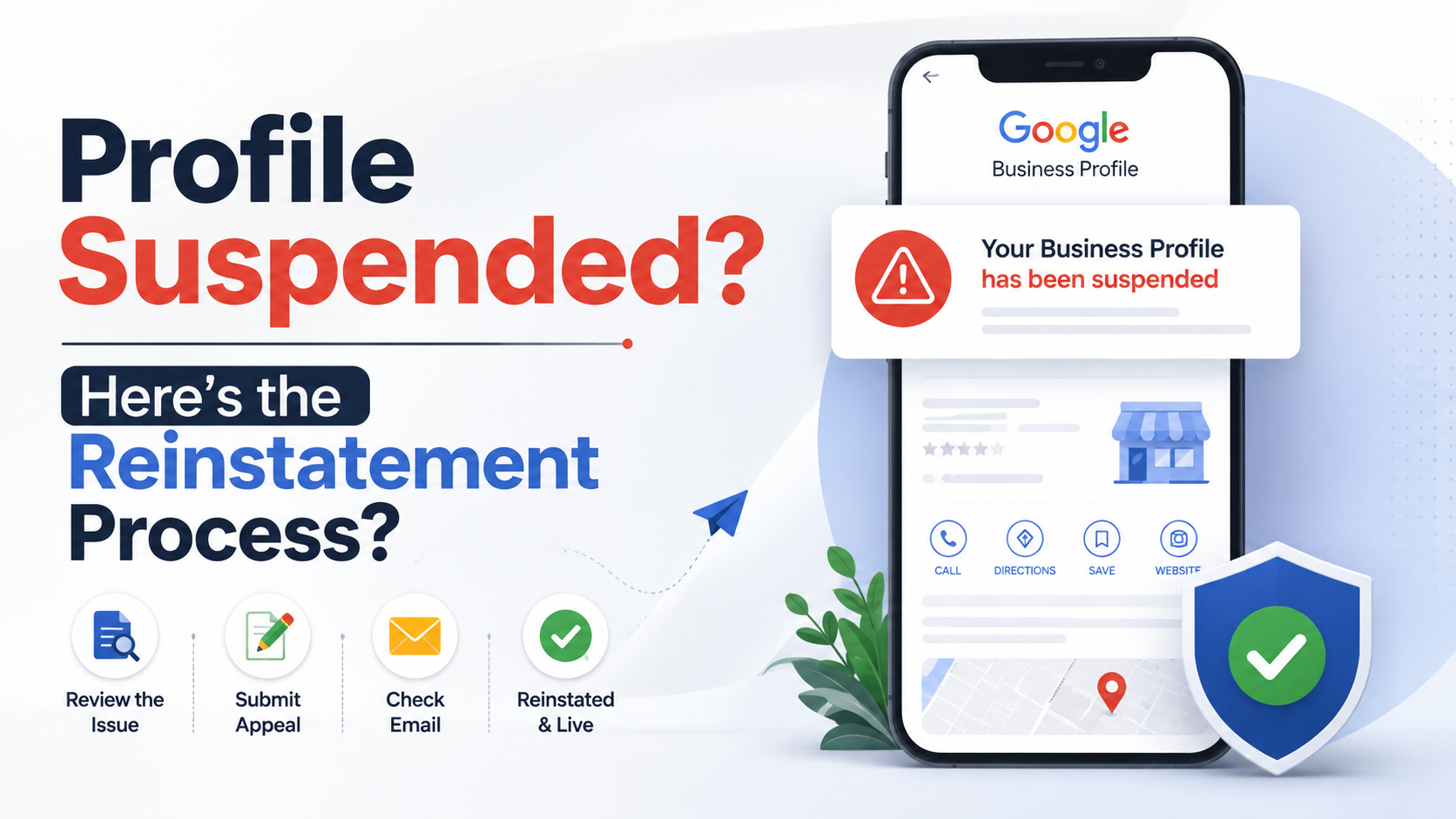
What “suspended” actually means
A suspension means Google has determined your Business Profile violates its guidelines, and pulled it from Search and Maps while that’s sorted out. There are two flavors worth telling apart, because they behave differently:
- Soft suspension: your listing disappears from public search and Maps, but you can usually still log into the Business Profile Manager account and see the listing marked as suspended.
- Hard suspension: the entire Business Profile account gets suspended, which can affect every listing tied to that account if you manage more than one.
What actually triggers a suspension
In the cases we’ve handled, it’s almost always one of these:
- A name that doesn’t match real-world signage. Adding keywords to your business name field (“Sharma Electricians | 24×7 Emergency AC Repair Delhi”) is the single most common cause we see. Google’s guidelines are explicit that your business name field should only contain your actual, real-world name.
- An address that isn’t a genuine, staffed location. Virtual offices, PO boxes, or a residential address used only to unlock a service area you don’t actually serve from.
- Duplicate listings. A second profile for the same business, often created by accident when a staff member “adds” a business that’s already claimed, or intentionally to try to occupy more map real estate.
- A sudden, unusual pattern of activity. A batch of reviews arriving within hours of each other, a flurry of edits to the address or category within a short window, or a high volume of edit suggestions from unrelated accounts, can all trip automated review.
- A competitor or disgruntled party filing a report. Anyone can suggest an edit or flag a listing. Not every flag results in a suspension, but a wave of them can trigger a manual review that finds something else wrong too.
Do not create a second listing
The reinstatement process, step by step
- Confirm what actually happened. Log into the Business Profile Manager and check the listing’s status. Google will sometimes (not always) give a stated reason. Cross-check your listing against the guidelines above before assuming it’s an error on Google’s end.
- Fix the underlying issue first. If your business name has extra keywords stuffed in, correct it to your real name before requesting reinstatement. Requesting reinstatement on a listing that still violates the guideline that got it suspended just gets the request rejected again.
- Submit a reinstatement request through Business Profile Manager. There’s a built-in appeal flow for suspended listings. Fill it out factually: what your business is, why you believe the suspension was made in error (or what you’ve corrected if it wasn’t), and any supporting documentation, like a registration certificate, GST document, or utility bill showing the address.
- Wait, and don’t spam repeat requests. Submitting multiple reinstatement requests in quick succession doesn’t speed things up, and can read as suspicious activity itself. One well-documented request is worth more than five rushed ones.
- If it’s rejected, request a deeper explanation before resubmitting. There’s a route through Google’s Business Profile help community and support channels to ask for more specific reasoning, which helps you fix the actual problem instead of guessing again.
How long reinstatement actually takes
There’s no published guarantee here, and anyone quoting you an exact number of days is guessing. In practice, straightforward cases (a name field fixed, clean documentation) tend to resolve faster than cases involving duplicate listings or address disputes, which can take considerably longer since they sometimes require manual review.
How to avoid a repeat
Once you’re back, the guidelines don’t relax. Keep your business name exactly as it appears on your signage and legal documents, don’t run more than one listing per physical location, keep your address genuinely staffed during posted hours, and be cautious about rapid bulk changes to your profile, spread meaningful edits out rather than changing category, name, and address all in the same session.