
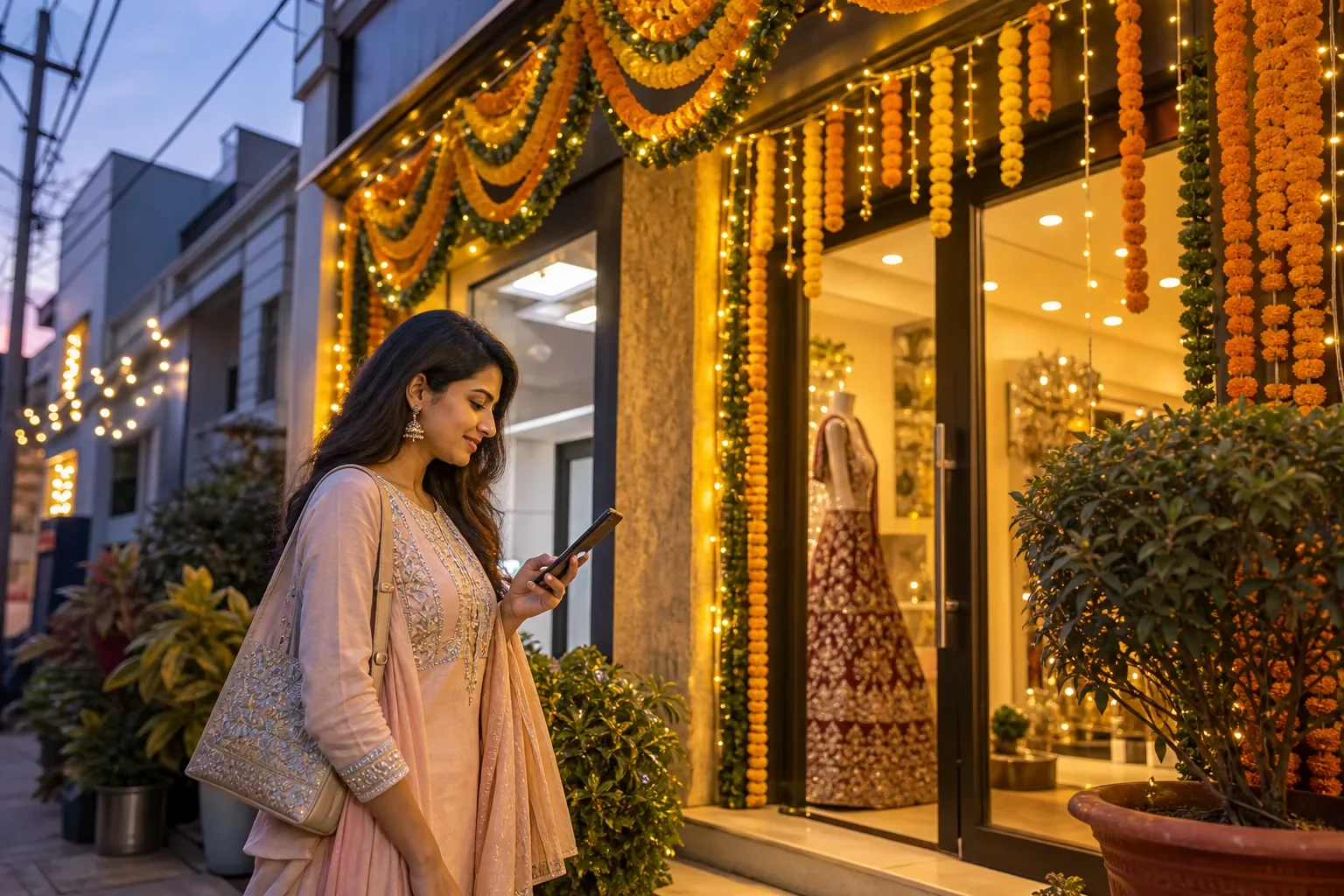
A Google Business Profile festive season update is worth an hour of your time, because that is when “near me” searches jump and people decide where to go in a few seconds. Diwali may be behind us, but for salons, jewellers, caterers, decorators, boutiques, sweet shops and gift stores, the wedding season that follows runs well into February. This checklist keeps your listing working through the busiest months of the year.
In this guide
- 1. Set special hours for every holiday and late night
- 2. Post your offer, with a clear end date
- 3. Add fresh, seasonal photos
- 4. Update products and services for the season
- 5. Get ready for the review spike
- 6. Check your phone number and messaging
- 7. Answer the questions people ask before visiting
- 8. Look at your numbers after the season
- A one-hour plan
1. Set special hours for every holiday and late night
If you are open late for the wedding rush, closed on a festival day, or opening early on a Sunday, add it as special hours in your profile. Customers see these on Google Maps before they set out. Wrong hours during the season are a quick route to disappointed visitors and one-star reviews. Do it for the next two months in one go so you do not forget.
2. Post your offer, with a clear end date
Use an Offer post for any seasonal package: bridal makeup bundles, wedding catering menus, a gift-wrapping service, a festive discount. Add a good photo, the dates, and what the customer needs to do (call, visit, book). Offer posts show the dates on your profile, so remove or replace them when they end. Stale offers make a profile look neglected. More ideas in our Google posts ideas.
3. Add fresh, seasonal photos
Customers want to see what you look like now. Add photos of your decorated shop, a recent bridal look, a catering setup, your festive stock or a finished decoration job. Real photos taken on a phone in good daylight work better than stock images. Five to ten new photos for the season is plenty.
4. Update products and services for the season
If you have seasonal services (pre-bridal packages, mehendi, event catering, return gifts), add them to the Products or Services section with a short description and price range. This helps you appear for those exact searches and saves customers a phone call to ask.
5. Get ready for the review spike
Busy months bring more customers, and more customers bring more reviews, good and bad. Two simple habits help:
- Ask at the right moment. When a bride is happy with her look or a family thanks you after an event, share your review link or QR code then and there (see how to get more Google reviews).
- Reply to every review within a day or two. Thank people by name for good reviews. For complaints, apologise for the experience, explain briefly, and offer to sort it out offline (see replying to negative reviews).
6. Check your phone number and messaging
In peak season, the number on your profile must be answered. If calls go unanswered during busy hours, turn on messaging and make sure someone checks it, or add a second number your team can pick up.
7. Answer the questions people ask before visiting
“Do you take advance bookings?” “Is parking available?” “Do you accept UPI?” Add these questions to the Q&A section of your profile and answer them yourself. It saves calls and stops strangers answering on your behalf.
8. Look at your numbers after the season
Once things calm down, open the Performance section of your profile and compare calls, direction requests and website clicks with the months before. It shows you which changes worked and gives you a head start for the next festival.
A one-hour plan
| Task | Time |
|---|---|
| Special hours for the next two months | 10 minutes |
| One offer post with photo and dates | 10 minutes |
| Five to ten new photos | 15 minutes |
| Seasonal services added | 10 minutes |
| Three Q&A answers | 5 minutes |
| Reply to pending reviews | 10 minutes |
Frequently asked questions
When should I update my Google Business Profile for the festive season?
Two to three weeks before the season starts is ideal, so special hours, offer posts and photos are live when searches rise. If you missed that, do it now: the wedding season after Diwali is just as busy for many businesses.
What are special hours on Google Business Profile?
Special hours let you change your opening times for particular dates, such as a festival, a holiday or a late-night sale, without touching your regular hours. Customers see them on Google Search and Maps for those dates.
Can I offer a discount for Google reviews?
No. Google does not allow incentives for reviews, including discounts, gifts or free services. Ask every customer politely and make it easy with a direct link or QR code instead.
How long does an offer post stay on my profile?
An offer post shows the start and end dates you set. When the offer ends, replace it with a new post so your profile does not show an expired deal.