
The simplest way to get more Google reviews is also the most overlooked: ask. Most satisfied customers are happy to leave a review, but very few think of it on their own. This guide shows you when to ask, how to make it easy, what to say, and which shortcuts break Google’s rules and put your listing at risk.
In this guide
Why reviews matter so much
Reviews do two jobs at once. Customers read them before deciding whether to call you or the shop next door. And Google has said that the number of reviews and your rating are part of how it ranks local businesses (we explain this in how Google Maps ranking works). A steady flow of genuine reviews helps on both counts.
Step 1: Get your review link
Google gives every business a short link that opens the review box directly. To find it, open your Business Profile while signed in (search your business name on Google, or use the Google Maps app), look for the option to ask for reviews or share review form, and copy the link.
Save this link somewhere handy. You will use it in WhatsApp messages, on your bills, in emails and on a QR code at your counter.
Step 2: Ask at the right moment
Timing matters more than wording. Ask when the customer has just experienced the good part of your service:
- Shops and restaurants: at billing, when the customer is smiling and thanking you.
- Home services (plumbing, AC repair, pest control): right after the job is done and the customer has checked it.
- Clinics and salons: at the end of the visit, or with the follow-up message the same day.
- Projects (interiors, events, coaching): at handover, when the result is in front of them.
The longer you wait, the less likely they are to do it. A message sent the same day works far better than one sent a week later.
Step 3: Make it effortless
- Send the link, not instructions. “Search for us on Google and find the review button” loses most people. One tap on a link does not.
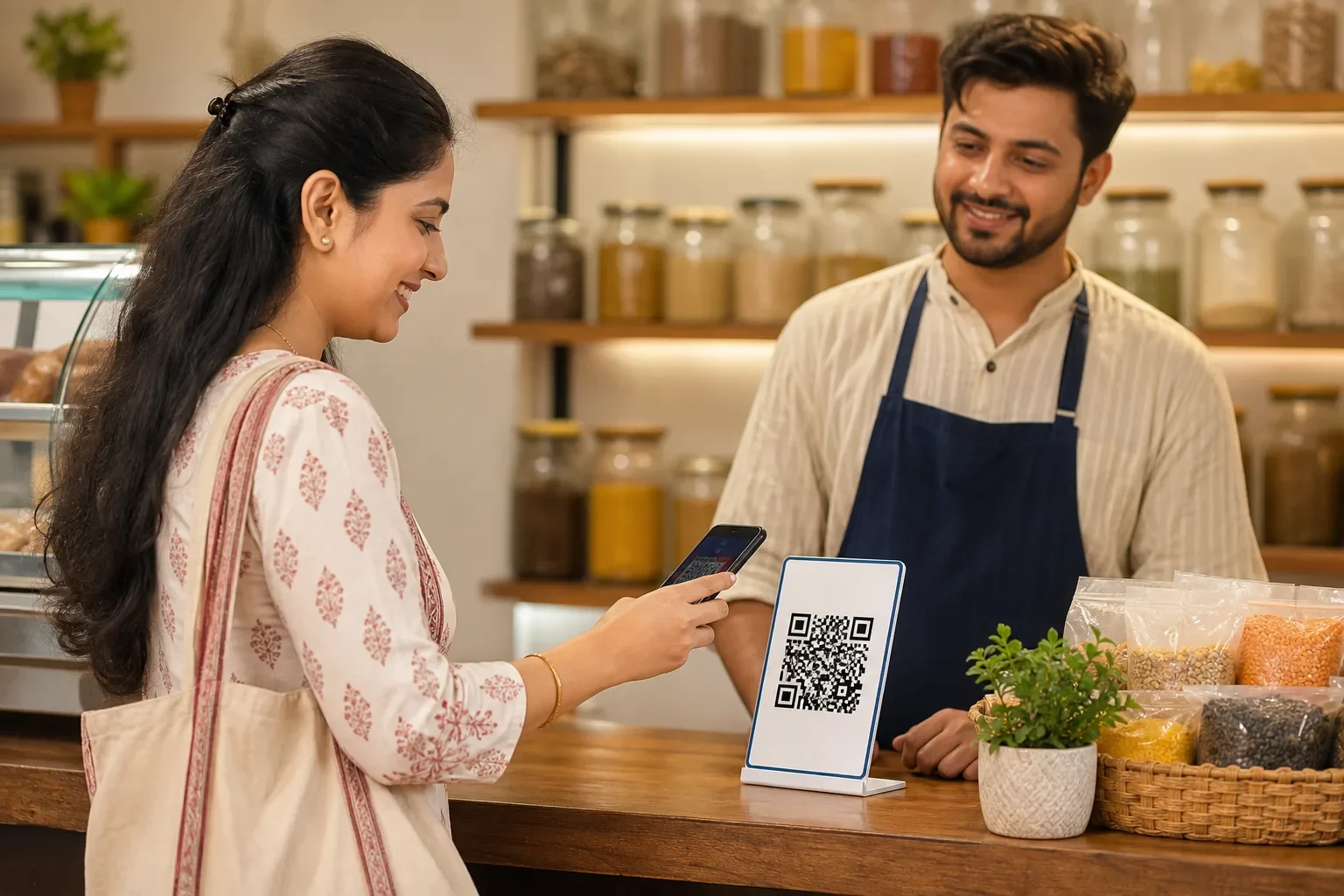
- Put a QR code at the counter or on the table, with a short line such as “Happy with us? Tell others on Google.”
- Add the link to your bill, invoice or receipt, and to your email signature.
- Train your staff to mention it in one friendly sentence. Every person who meets customers should know the link exists.
Messages you can adapt
WhatsApp after a service visit:
Thank you for choosing us today, Mr Joshi. If you were happy with the work, a short Google review would really help our small business: [link]. It takes less than a minute.
At the counter (spoken):
Glad you liked it! If you have a minute, a Google review helps us a lot. The QR code is right here.
Email after a project:
It was a pleasure working on your project. If you have a moment, we would be grateful for an honest review on Google: [link]. Your feedback helps other families find us, and helps us improve.
What Google’s rules do not allow
These are the mistakes that get reviews removed or listings penalised:
Reply to every review
Replying shows customers that a real person is listening, and encourages others to leave a review too. Thank people by name for positive reviews and mention what they liked. For negative reviews, stay calm, apologise for the experience, and offer to sort it out offline. Our guide on replying to negative reviews has example replies you can adapt.
Make it a habit, not a campaign
Ten reviews in one week and then nothing for six months looks unnatural and does little for you. A few genuine reviews every week, month after month, is what builds a strong profile. Set a simple routine: every completed job or happy customer gets the link the same day.
Frequently asked questions
How do I get a direct link for customers to review my business on Google?
Open your Google Business Profile while signed in and choose the option to ask for reviews or share the review form. Copy the short link and send it on WhatsApp, email or a QR code.
Can I offer a discount in exchange for a Google review?
No. Google does not allow incentives of any kind for reviews, including discounts, free items or contest entries, even if you accept negative reviews too.
Is it okay to ask only happy customers for reviews?
Selectively asking only customers you expect to be positive is called review gating and is against Google's rules. Ask all customers in the same way and let them give an honest opinion.
Why did some of my Google reviews disappear?
Google filters reviews it thinks may be fake or against its policies, for example many reviews from the same device or location, reviews from staff, or a sudden unnatural burst. Genuine reviews from customers on their own phones are the safest.
How many Google reviews should my business aim for?
There is no fixed number. What helps most is a steady flow of genuine reviews over time and a healthy rating compared to your local competitors.